728x90
반응형
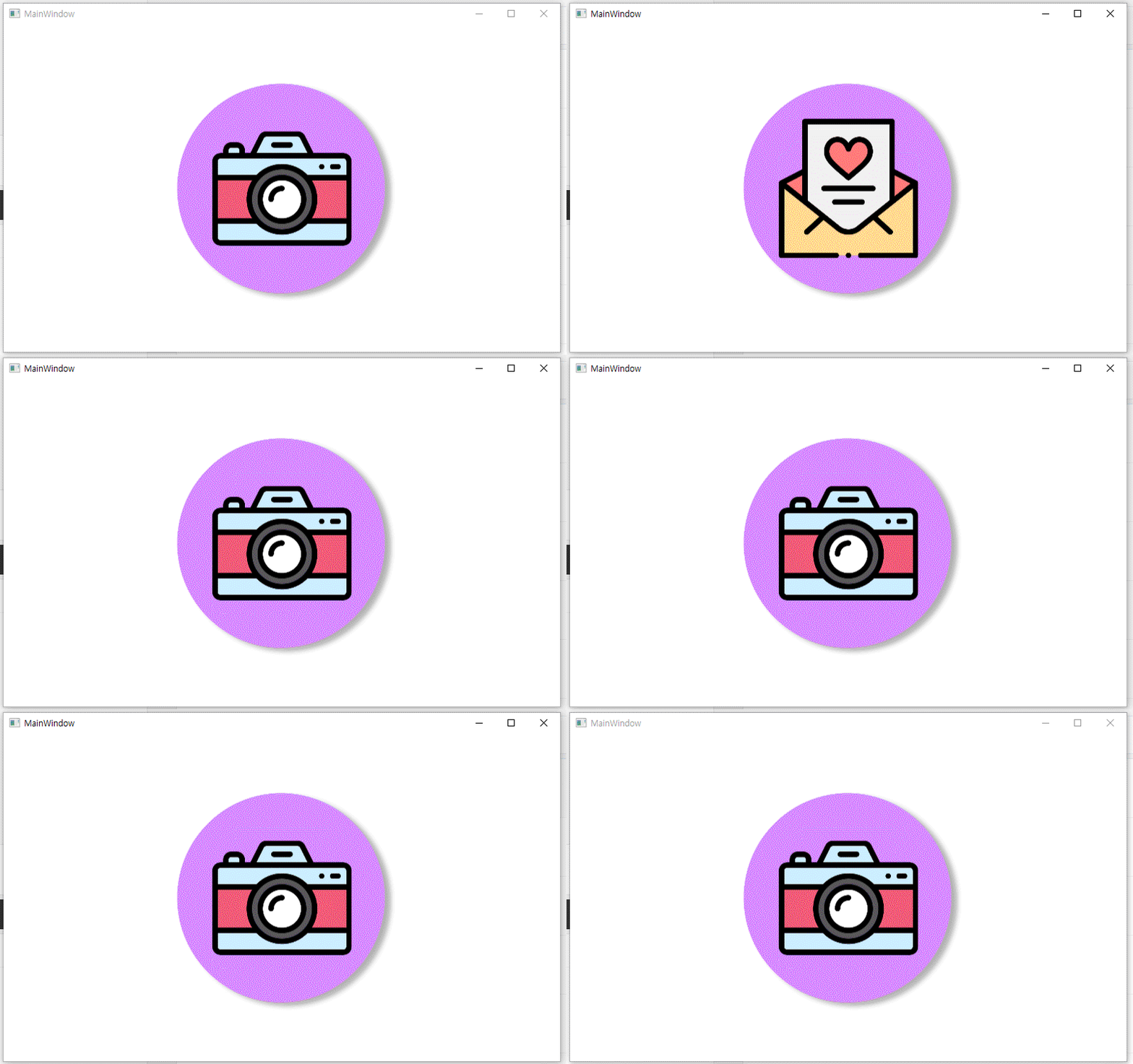
xaml에서가 아닌 c# 코드를 통해서 Button Background의 Image Source를 변경하는 방법입니다.
| xaml |
| <Grid> <Button Name="Btn1> <Button.Background> <ImageBrush ImageSource="pack://application:,,,/camera.png"/> </Button.Background> </Button> </Grid> |
| c# |
| private bool b = false; private void Button_Click(object sender, RoutedEventArgs e){ Button btn = sender as Button; if(btn == Btn1){ if(b){ Btn1.Background = new ImageBrush(new BitmapImage(new Uri("pack://application:,,,/camera.png"))); b = false; }else{ Btn1.Background = new ImageBrush(new BitmapImage(new Uri("pack://application:,,,/letter.png"))); b = true; } } } |
반응형
'프로그램 개발 > C#' 카테고리의 다른 글
| [wpf] Button 안의 Button 클릭 이벤트 (0) | 2021.01.03 |
|---|---|
| [wpf] Dictionary 합과 정렬 (0) | 2020.12.26 |
| [wpf] c# 코드로 Image Source 설정 (0) | 2020.12.13 |
| [wpf] Page에서 자식 Window 창 위치 가운데 설정 (0) | 2020.12.12 |
| [wpf] ScrollViewer와 Mouse Wheel Event (0) | 2020.12.07 |